Bluetooth 5.2 vs 5.0: What Healthcare Developers Need to Know
A comprehensive comparison of Bluetooth 5.2 and 5.0 for healthcare applications. Discover the key improvements in power consumption, range, security features, and how they impact medical device development.
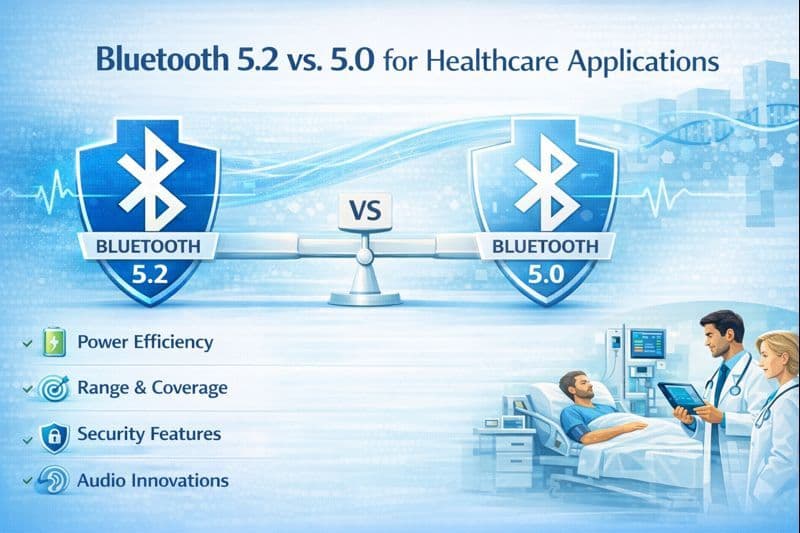
When developing or selecting connected medical devices, the version of Bluetooth Matters. While Bluetooth 5.0 laid the groundwork for modern IoT with speed and range, Bluetooth 5.2 refined the standard to address the specific reliability and power challenges of continuous clinical monitoring.
Here is how they stack up in the four areas that matter most to healthcare.
1. Power Consumption: Efficiency vs. Intelligence
Battery life is the single biggest constraint for wearable medical patches.
- Bluetooth 5.0 (The Baseline): Introduced significant efficiency improvements over the 4.x series, primarily by transmitting data faster (2Mbps PHY), allowing the radio to turn off sooner. It is excellent for "bursty" data transfers.
- Bluetooth 5.2 ( The Upgrade): Introduced LE Power Control (LEPC). Instead of just transmitting quickly, 5.2 devices actively monitor the signal quality and request the peer device to adjust its transmission power.
- The Medical Impact: If a patient's phone is in their pocket (close range), the medical sensor drops its power to the absolute minimum. This dynamic adjustment can extend the battery life of continuous glucose monitors (CGMs) or ECG patches by days compared to a fixed-power 5.0 device.
2. Range and Connectivity: Coverage vs. Stability
Hospitals are hostile RF environments, filled with interference and physical barriers.
- Bluetooth 5.0: The headline feature was Long Range (Coded PHY), which sacrificed speed to quadruple the range. This allowed a device in a patient room to theoretically reach a gateway down the hall.
- Bluetooth 5.2: Focuses on Signal Stability. While it uses the same Long Range PHY as 5.0, the LE Power Control ensures that the connection doesn't drop when signal strength fluctuates.
- The Medical Impact: 5.0 gets you the distance, but 5.2 keeps the connection alive as the patient moves. For critical alarms (e.g., a fall detection sensor), 5.2 offers superior reliability by preventing "edge-of-range" dropouts.
3. Data Transfer and Throughput: Speed vs. Traffic Management
Medical devices often need to send historical logs (bulk data) while simultaneously sending current alerts (urgent data).
- Bluetooth 5.0: Increased raw speed to 2 Mbps. This is great for quickly dumping a 24-hour heart rate log, but it operates on a "first-in, first-out" basis. If a large download is happening, the "line" is busy.
- Bluetooth 5.2: Introduced the Enhanced Attribute Protocol (EATT). This allows for parallel transactions and interleaved data packets.
- The Medical Impact: This is a safety feature. With 5.2, a background application can download a large data file without blocking a high-priority alarm from getting through immediately. It eliminates the "data traffic jam" risk present in 5.0.
4. Security and Architecture: Encryption vs. Audio Privacy
- Bluetooth 5.0: Solidified LE Secure Connections (introduced in 4.2), using Elliptic Curve Diffie-Hellman (ECDH) cryptography to prevent eavesdropping during the pairing process.
- Bluetooth 5.2: Adds security to Audio Streams. With the introduction of LE Audio, voice data (for hearing aids or telemedicine calls) is handled with distinct encryption protocols.
- The Medical Impact: For standard vitals (blood pressure, weight), 5.0 security is sufficient. However, for voice-enabled medical devices (like smart stethoscopes or hearing aids), 5.2 is mandatory to ensure patient conversations and audio diagnostics remain private and encrypted.